File Formato
A privacy-first file toolkit that converts, resizes and edits entirely in the browser.
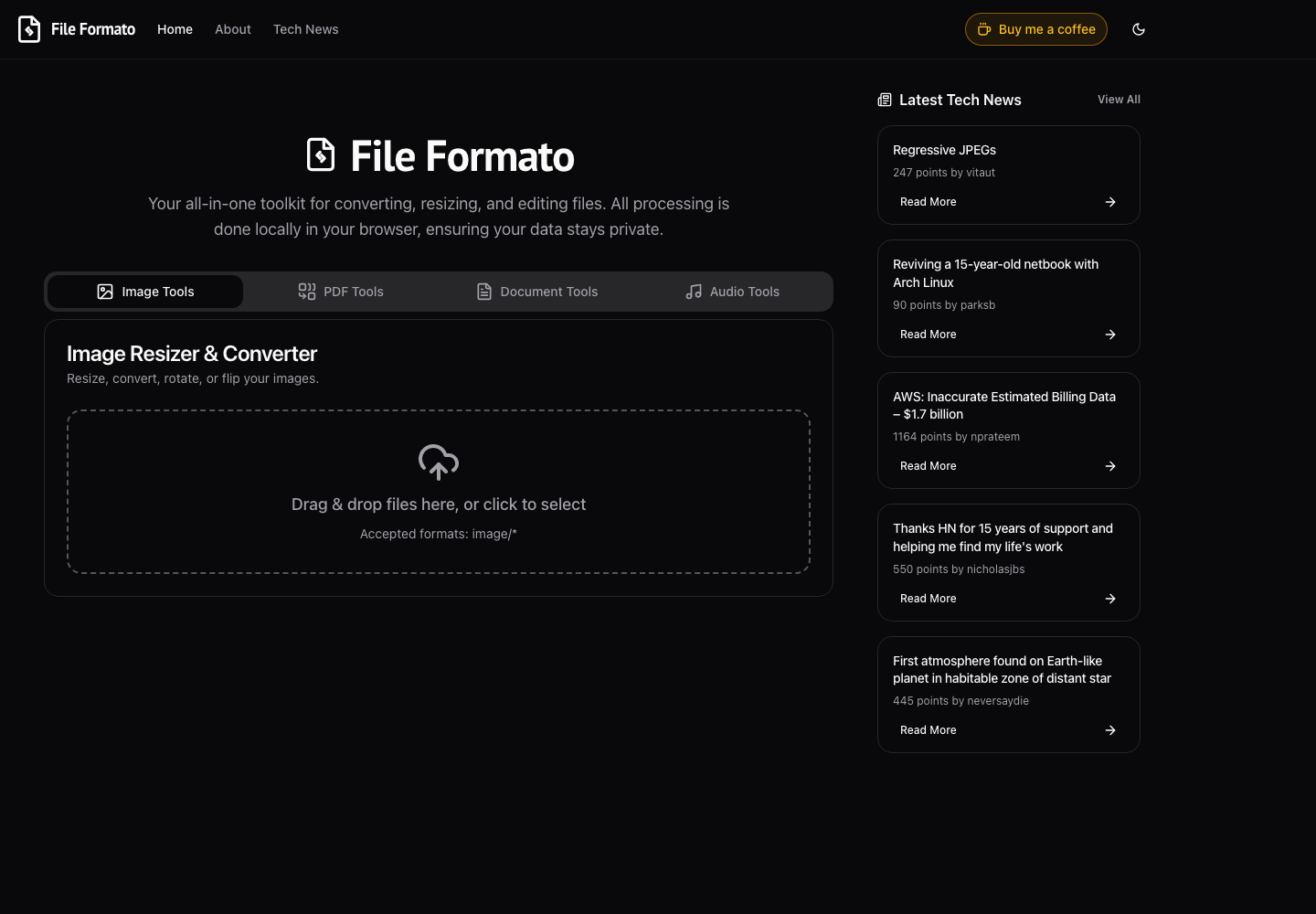
- Tool categories
- 4
- Files uploaded
- 0
- Private by design
- 100%
The challenge
Most file-conversion tools mean uploading personal documents and images to a stranger's server just to resize a photo or merge a PDF.
Our solution
We built a browser-native toolkit — image, PDF, document and audio tools — where every conversion runs locally via client-side processing, so files never leave the device.
How we built it
The approach.
- 01
Treat the upload as the problem
The starting position was that sending a private document to a stranger's server to resize or merge it is the defect, not an implementation detail. Removing the upload was the product decision everything else followed from.
- 02
Do the work where the file already is
The browser is capable of decoding, transforming and re-encoding images, PDFs, documents and audio. Running the conversion there means the file never has to travel anywhere to be useful.
- 03
Make the guarantee checkable
Because nothing is sent, the claim is verifiable by anyone with a network tab open — a stronger form of assurance than a privacy policy, which asks for trust rather than offering proof.
- 04
Cover the categories people actually need
Image, PDF, document and audio tools in one place, so the common jobs do not send someone back to whichever ad-heavy converter ranks first that week.
What you agree to when you resize a photo
Resizing an image, merging two PDFs, converting an audio file — these are small, unremarkable tasks, and the usual way to do them online involves uploading the file to a server owned by someone you have never heard of.
Consider what that actually entails. The file leaves the device. It sits on infrastructure with unknown security. It is retained for an unstated period, governed by a policy nobody reads and which can be rewritten later. And the files involved are rarely trivial — a scanned passport, a signed contract, a medical letter, a photograph of a child. The task is mundane; the material frequently is not.
There is also a mismatch that is easy to miss: the user gains nothing from the upload. It is not a feature. It exists because that is how the tool was built, not because the job requires it.
Removing the server from the equation
File Formato does the work in the browser. Image, PDF, document and audio tools all process locally, and no file is transmitted anywhere.
This changes the nature of the privacy claim. A conventional service can promise it deletes files after an hour, and you either trust that or you do not — you have no way to check, and the promise can be amended by an edit to a page. Here there is nothing to trust, because there is no upload endpoint. Anyone can open their browser's network tab, run a conversion and see that no request carried the file. The guarantee is a property of the architecture, and architecture is harder to quietly change than a policy document.
That also explains the second of the three headline numbers. Four tool categories, zero files uploaded, one hundred percent private by design — the middle number is not a target that was hit, it is a consequence of the design that could not have come out any other way.
What disappears with the server
Getting rid of the upload removes an entire category of concerns at once.
There is no file storage, so there is no store to breach. Nothing is retained, so there is no retention policy to write, enforce or get wrong. Files are never received, so no data-processing relationship is created and no cross-border transfer question arises. Conversions cost nothing to run at the margin, because the compute belongs to the person doing the work. There is no upload wait and no download wait — a large file is not made slow by a round trip it never takes. And with no queue and no worker pool, there is no scaling problem: a thousand simultaneous users are a thousand independent browsers.
Most of the operational weight of a file-conversion service turns out to be a consequence of accepting files. Decline to accept them and it goes away.
The honest trade
Client-side processing is not free of constraints, and it is worth being straight about them.
The work runs on the user's device, so it is bounded by that device's memory and processing power. A conversion that a server with a lot of RAM would handle without noticing is a heavier proposition on an older laptop or a phone. There is no illusion of infinite headroom, because the headroom belongs to the machine in front of you.
For the jobs this toolkit is built around — resizing an image, merging a few PDFs, converting a document or an audio file — that ceiling sits comfortably above what people actually do. The trade is a real one, and it is the right way round: a bound on file size in exchange for a guarantee that the file never leaves the device.
Where it landed
Four tool categories, running entirely in the browser, built with TypeScript and Vite. The interesting part is not the tooling; it is that the privacy claim is structural. There is no version of using File Formato where your file is sitting on someone else's disk, because there is no mechanism by which it could get there.
Frequently asked questions
Are files really never uploaded?
Yes, and it is verifiable rather than promised. Every conversion runs in the browser, so nothing is transmitted — open your network tab during a conversion and no request carries the file. That is a property of how the tool is built, not a policy commitment that could be amended later.
Why does client-side processing matter for privacy?
Because it removes the thing that needs trusting. A conventional converter asks you to believe it deletes your file, and you have no way to check. With no upload endpoint there is nothing to store, nothing to breach, nothing to retain and no data-processing relationship — the guarantee comes from the architecture rather than from a promise.
What are the limits of doing this in the browser?
The work runs on your device, so it is bounded by that device's memory and processing power rather than by a server's. For everyday jobs — resizing an image, merging a few PDFs, converting a document or audio file — that ceiling is comfortably above normal use, and it is a deliberate trade: a bound on file size in exchange for the file never leaving the device.
What can it convert?
Four categories of tool: image, PDF, document and audio. All of them process locally.
Keep exploring
More work.
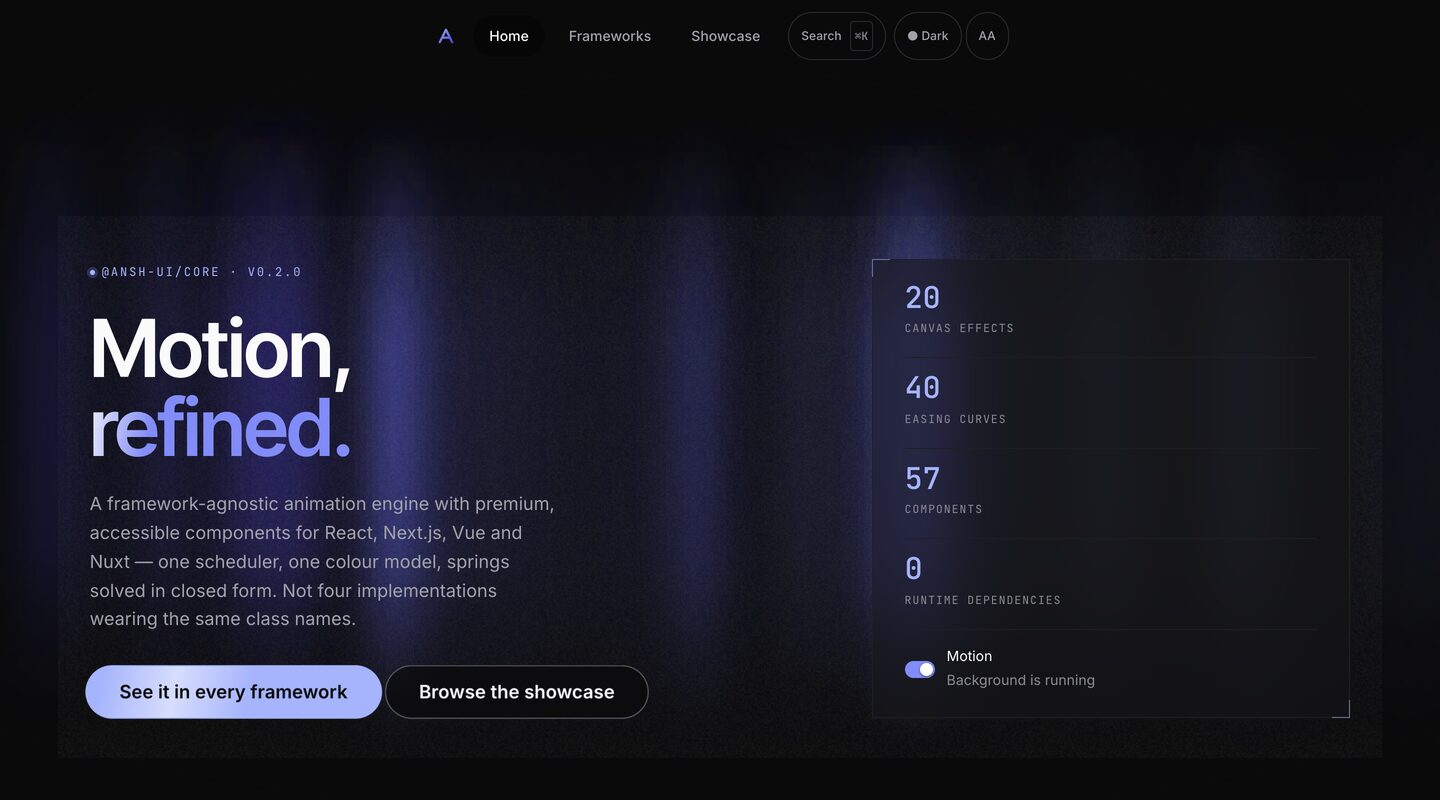
Ansh
Open source
A framework-agnostic animation engine and component library for React, Next.js, Vue and Nuxt.
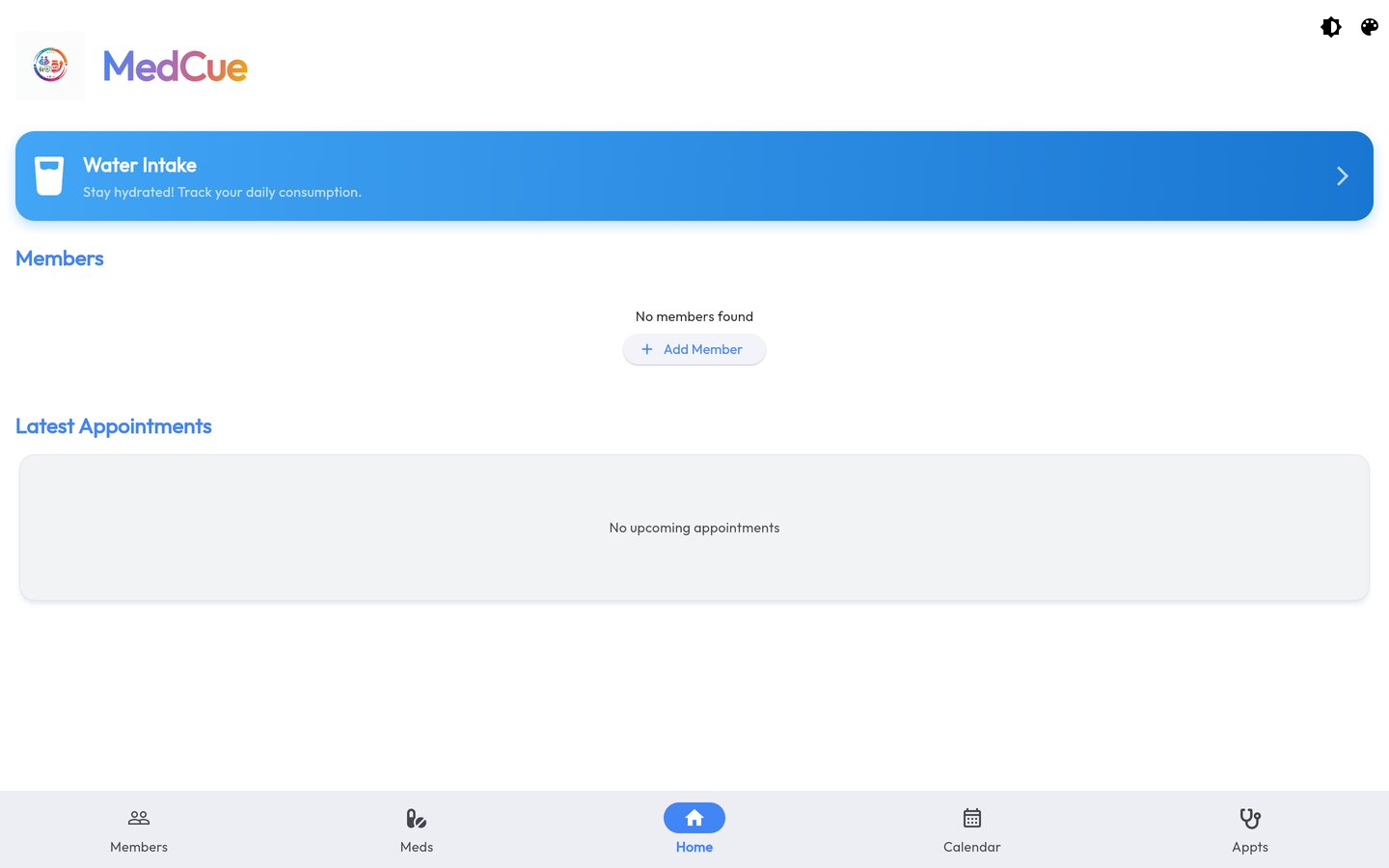
MedCue
MedCue
A Flutter health companion — medication schedules, appointments, water intake and family members in one app.
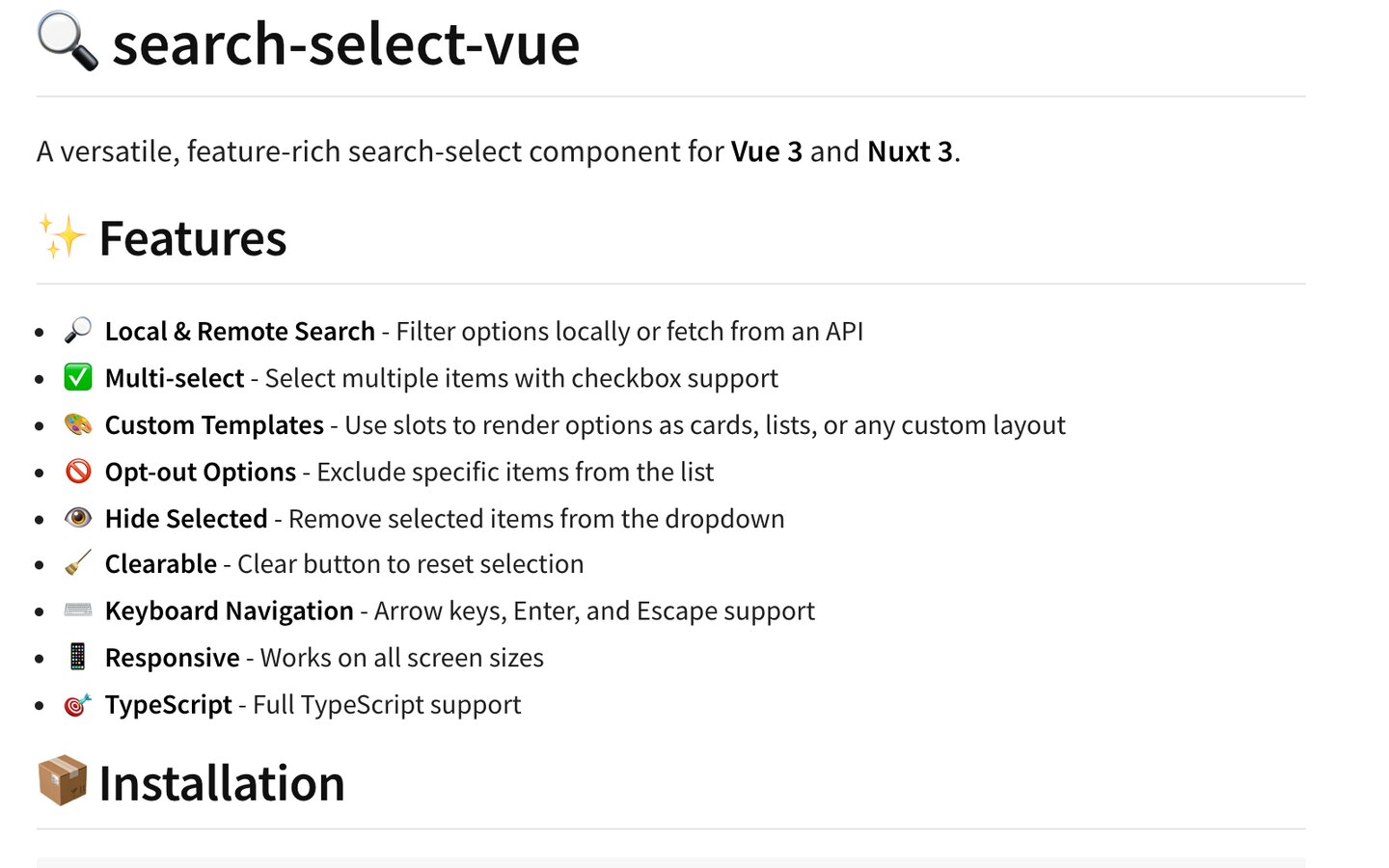
SearchSelect Vue
Open source
An open-source search-select component for Vue 3 and Nuxt 3.
Let's build together
Have somethingworth building?
Tell us about it. You'll get an honest read on scope, timeline and cost within one business day — from the people who would actually do the work.
Or email us directly — info@techiesofepi.com